|
|
 |
| |||
|
| |
|
|
|
| |||
|
| |
|
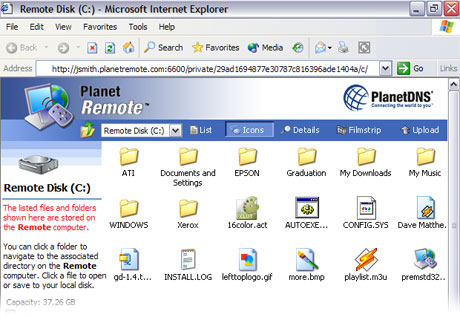
With PlanetRemote Viewer, you can access the files of the PlanetRemote-enabled
computer simply by clicking on the Files...
option once you have logged on.
To access the Files on the PlanetRemote-enabled computer
Related Topics
|
|
|
Copyright © 2004 PlanetDNS. All Rights Reserved. |
|
 to open the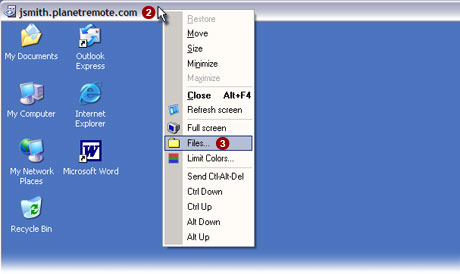
 option from the menu.